Book Connect
Two devices. In sync.
Notifications, files and your clipboard, from phone to desktop. On your local network, with no accounts.
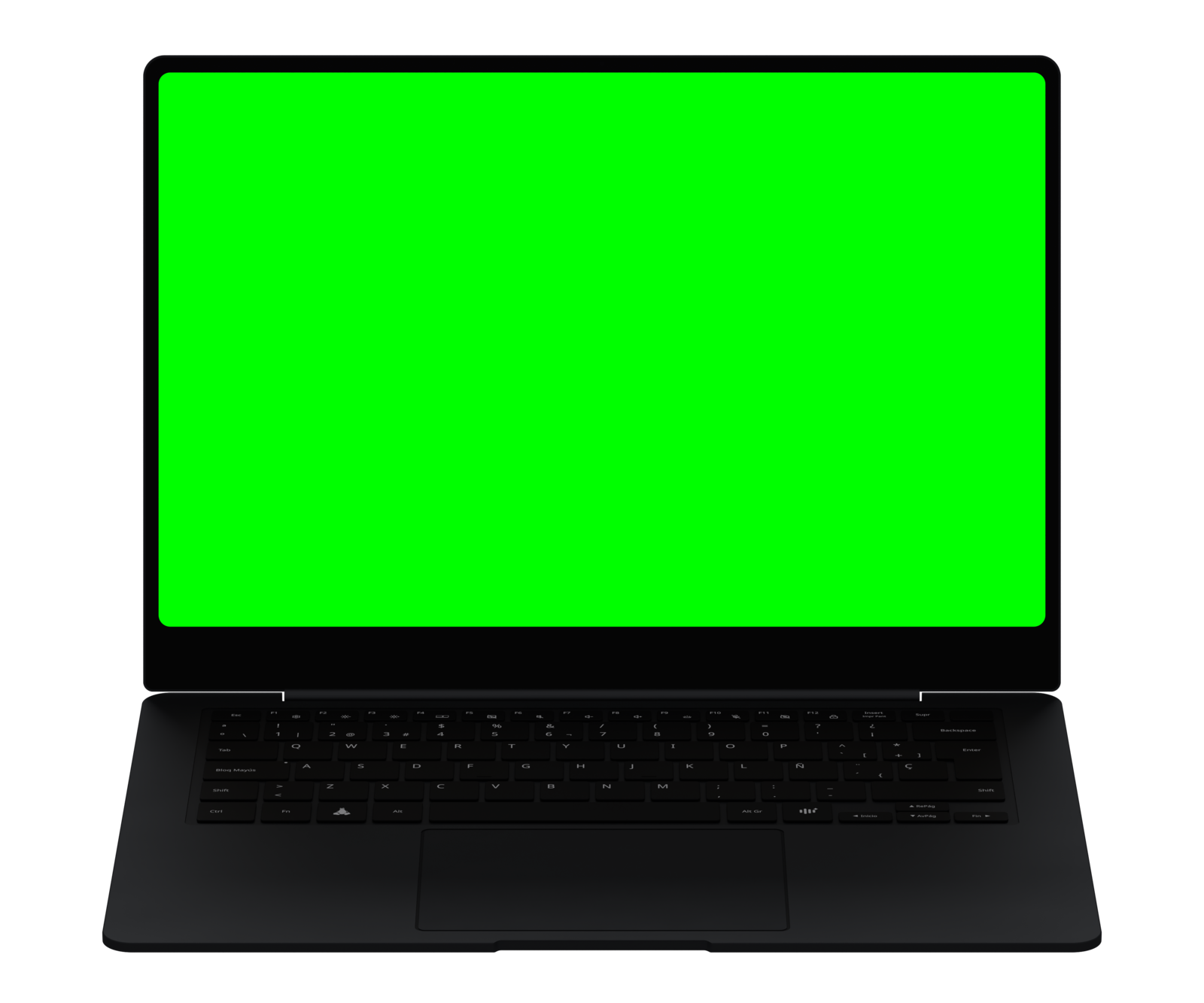

Book Connect Android Coming soon
A KDE Connect client adapted for BookOS. The link will appear here when the first version ships.
Closer in everything you do.
- Notifications
- Get your phone's notifications on the desktop and reply without picking it up.
- Files
- Send photos and documents from your phone to BookOS and back.
- Clipboard
- Copy on one device and paste on the other.
- Remote control
- Use your phone as a touchpad, media remote or shutter trigger.
Connect. Confirm. You’re ready.
- Install Book Connect on your phoneDownload the .apk here and allow it in Settings → Install unknown apps.
- Same Wi-Fi networkPut your phone and the BookOS machine on the same local network.
- Pair and confirmOpen Book Connect on both, pick the device and accept the pairing request.
Book Connect is based on KDE Connect, KDE's free project (GPL). BookOS adapts it to its design and desktop.