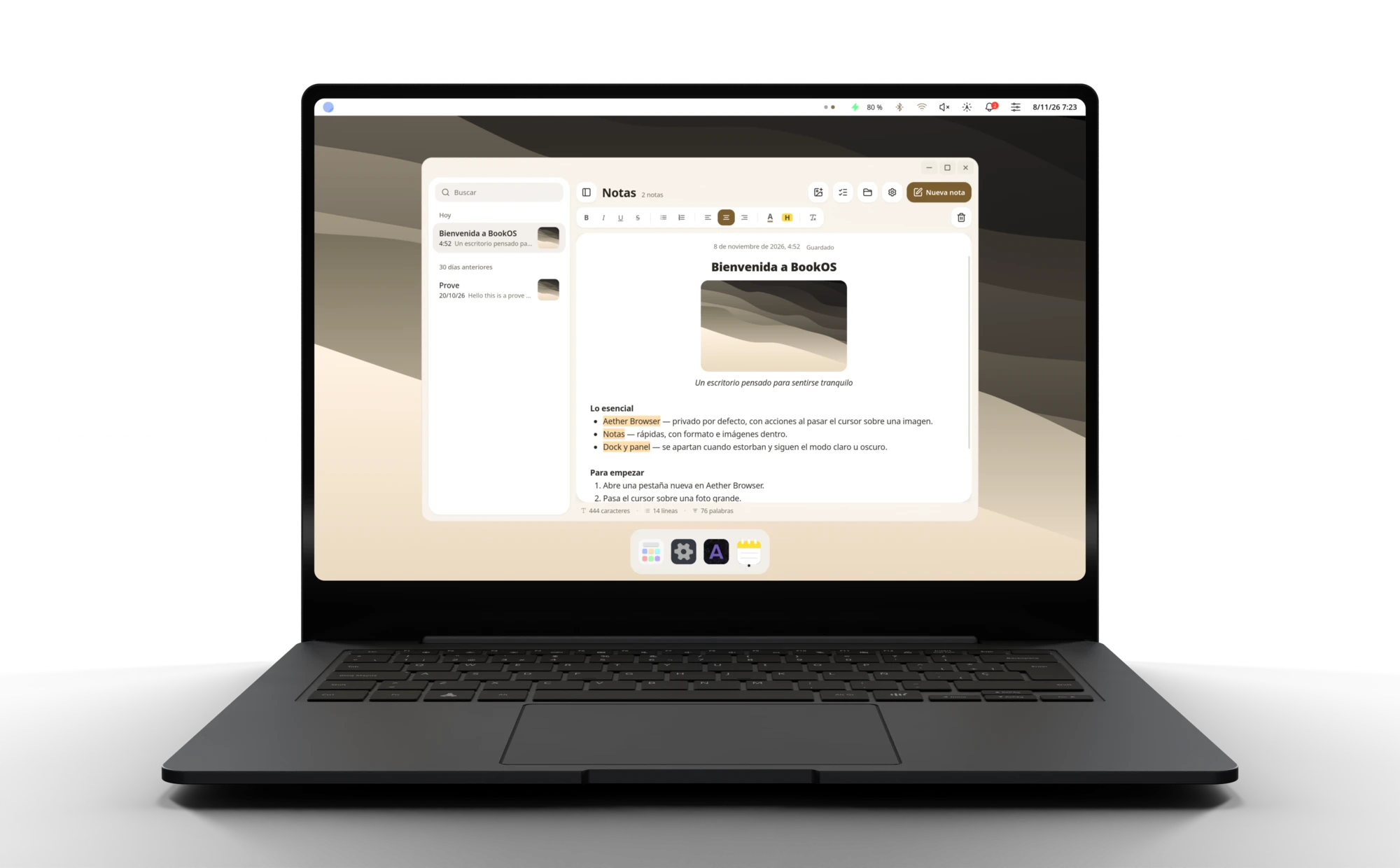
Discover BookOS.
Everything, closer at hand.
Move with gestures and find the shortcut for every action.
-
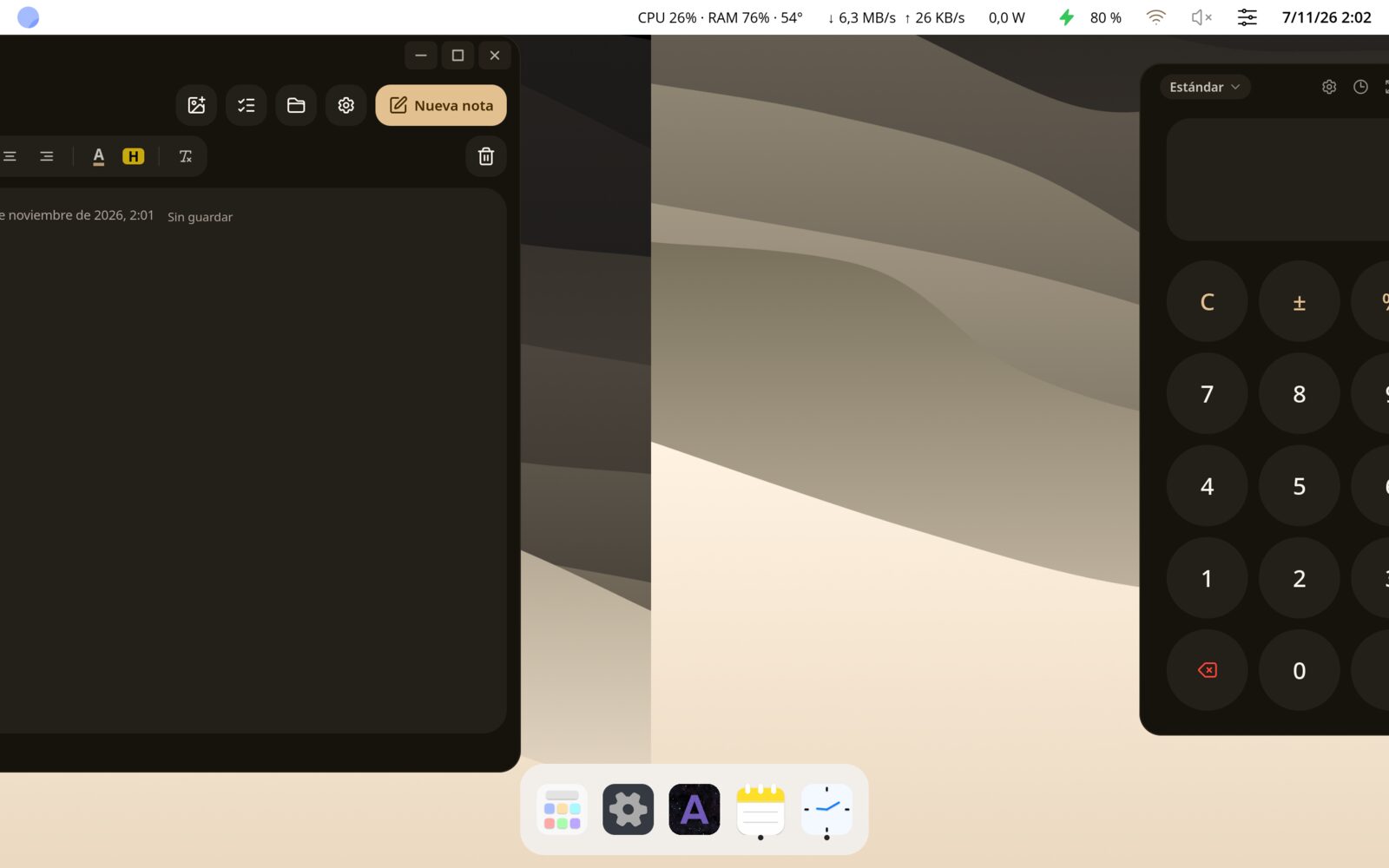
You set the pace. Swipe with four fingers to switch desktops, see your windows or open your apps. Every move follows your hand.
-
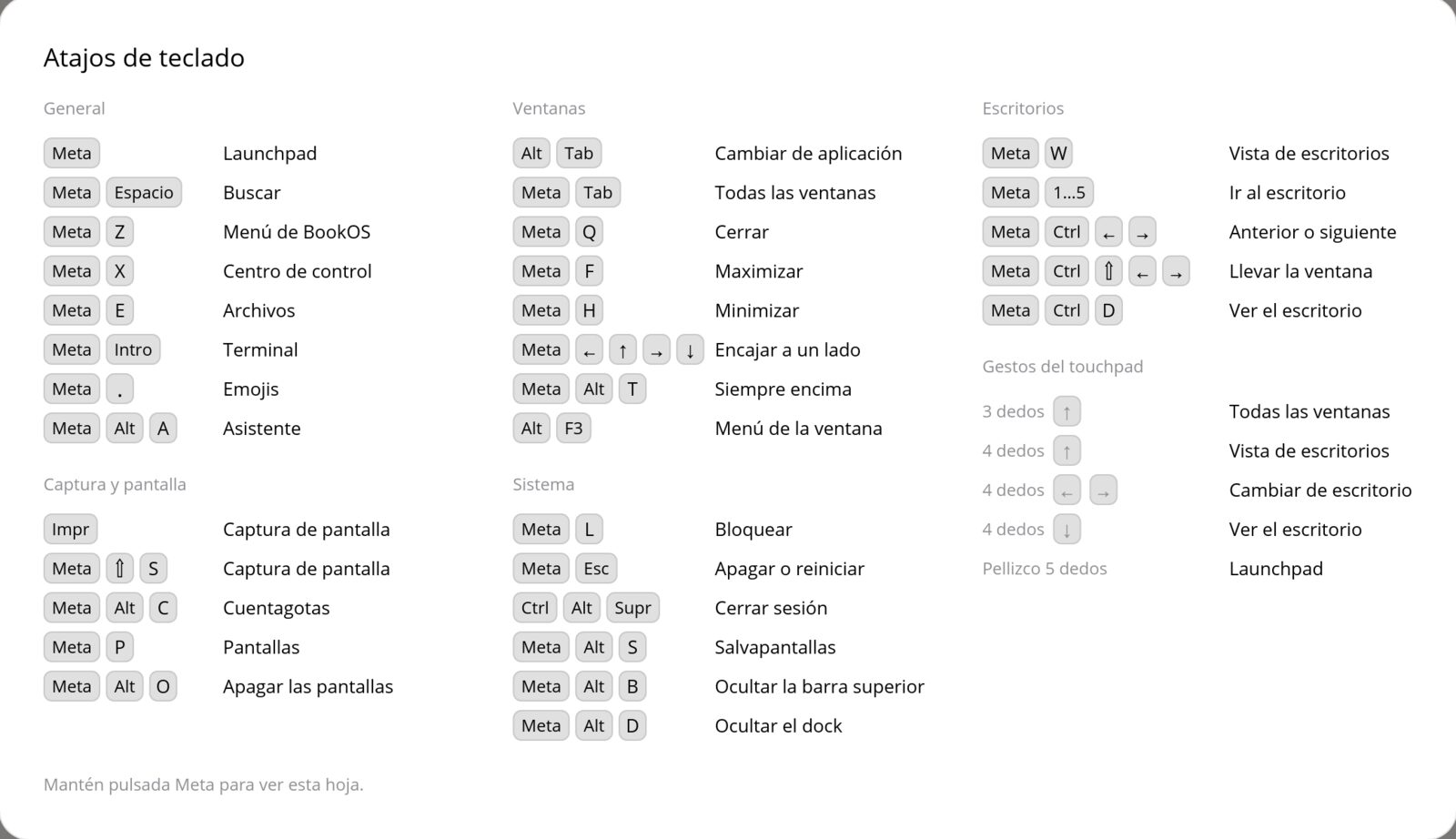
Your shortcuts, always at hand. Hold Meta, the logo key, for a second to see your shortcuts and gestures.
Everything works in harmony.
Apps to create, stay organised and take care of the details in your day.

Details that say you.
Add colour to your folders and find new ways to express yourself.
-
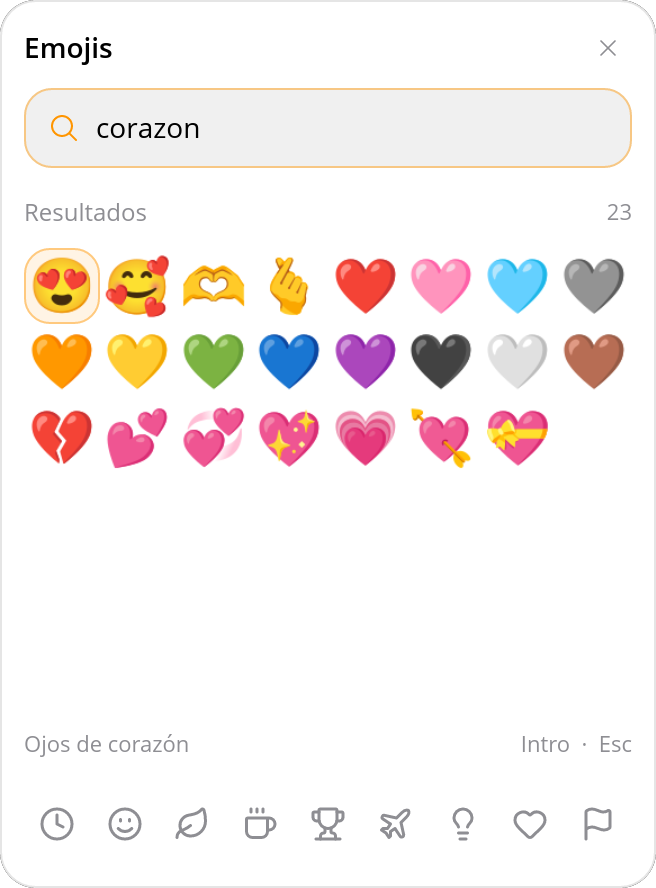
More ways to say it. Express yourself with 21 new emoji and a smoother picker.
-
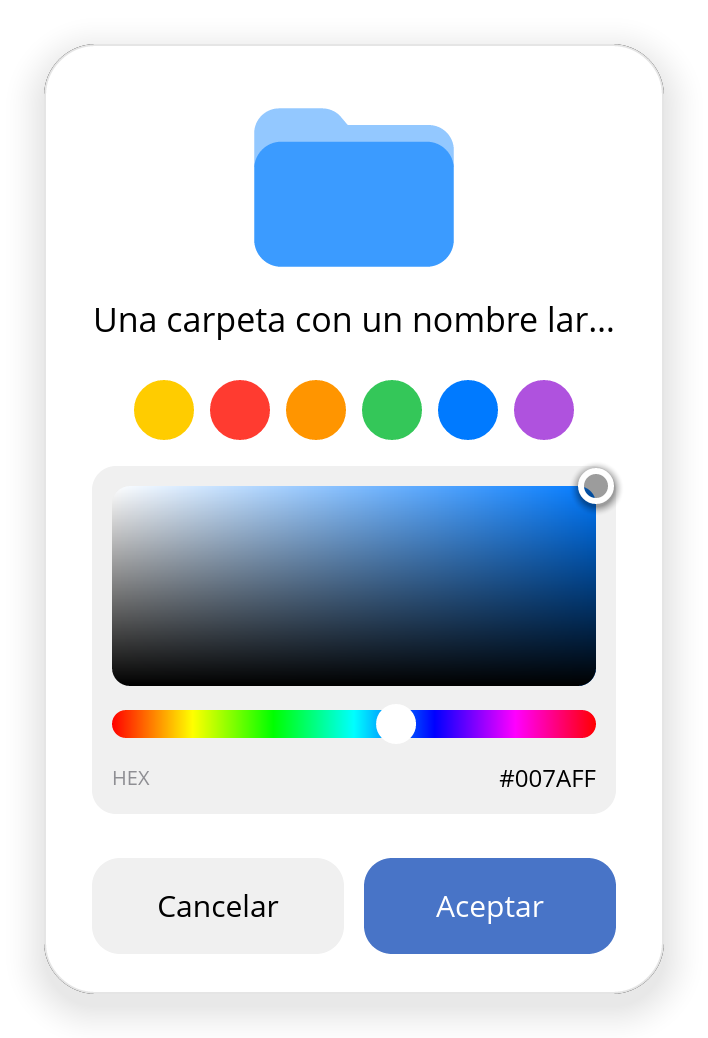
A touch of colour. All yours. Choose a colour for your folders and preview it before you apply it.
Pick your colour or let your wallpaper inspire it. BookOS apps make it their own.
Everyday tasks, made simpler.
Adjust brightness, pick a colour and check your computer without breaking your flow.
-
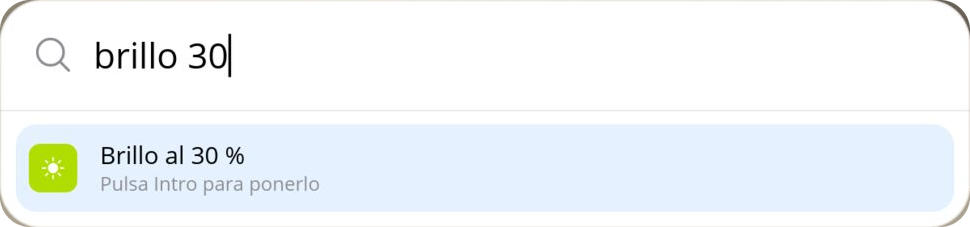
Ask. And it’s done. Type “brightness 30” or “volume 50” in Search. Press Enter to apply it.
-
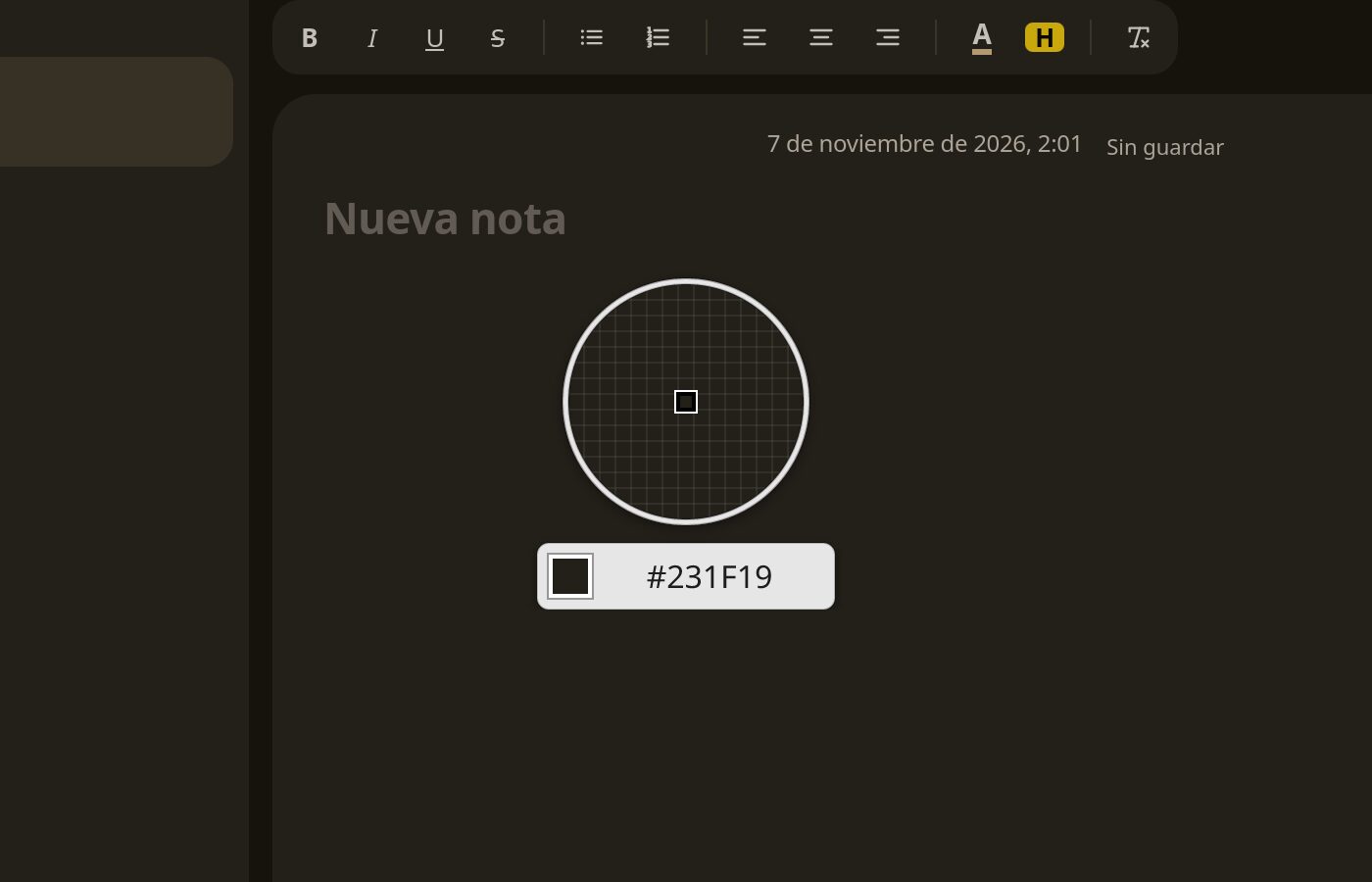
That colour. Exactly. Zoom into any point on your screen and copy its colour with Meta + Alt + C.
-

What matters, at a glance. CPU, network and power in your top bar. Choose what to show, in which order and at what size.
And so much more.
Small improvements in the apps you use every day.

Notes that keep up with your ideas. Write in Markdown, preview as you go and add images.

Find your files at a glance. Thumbnails, PDF previews and your drives close at hand.

Your apps, up to date. Install, remove and update your apps in one place.

All your calendars, together. Connect Google or CalDAV, and import or export .ics files.

Your computer, in real time. See processes, CPU, memory, network activity and sensors.

Try every typeface. Preview and install fonts with one click.
Ready for BookOS?
Here’s what you need to get started with BookOS.
Suggested minimum
- 64-bitProcessor
- 4 GBRAM
- 40 GiBFree disk space
See all requirements
Set aside this space to install BookOS, plus a little more for your apps, files and restore points.
Try it from a USB drive and check your display, Wi-Fi and sound before installing. Downloads and updates require internet.

Meet your new desktop.
Explore BookOS releases and channels.